
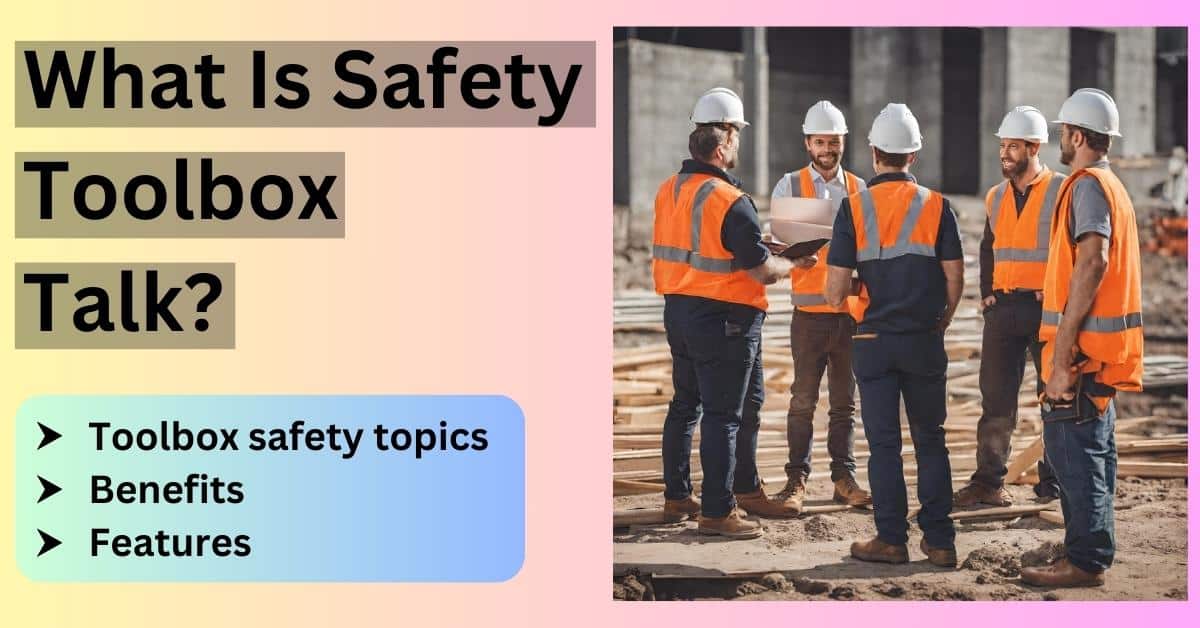
Most people assume toolbox talks are only for construction crews or factory teams handling heavy machinery. But office workers face real risks too—musculoskeletal strain, mental fatigue, eye strain, tripping hazards, and even cybersecurity threats. Ignoring these because there aren’t hard hats involved is a dangerous oversight.
Toolbox talks—short, focused safety or wellness discussions—are powerful tools to address these overlooked concerns. When tailored for office environments, they foster awareness, encourage safe behaviors, and create a culture where well-being isn’t an afterthought.
Here are the most relevant and impactful toolbox talk topics for office workers, complete with examples, practical takeaways, and implementation tips.
1. Office Ergonomics: Preventing Long-Term Injuries
Sitting for hours with poor posture isn't just uncomfortable—it’s a slow injury in the making. Neck pain, carpal tunnel syndrome, and lower back strain are common among desk workers, yet often dismissed as “just part of the job.”
A toolbox talk on ergonomics should cover: - Correct chair height (feet flat, knees at 90 degrees) - Monitor positioning (top at or slightly below eye level, arm’s length away) - Keyboard and mouse placement (elbows close to the body, wrists neutral) - The importance of micro-breaks and stretching
Practical Example: During a 10-minute talk, demonstrate how to adjust a chair and monitor using a volunteer’s setup. Show the difference between a slouched posture and a supported one. Pass around a checklist employees can use to self-audit their stations.
Common Mistake: Employees often use laptops on desks without external keyboards, forcing them to look down. Suggest laptop stands or docking stations as simple fixes.
Workflow Tip: Pair this talk with a “desk audit week”—managers or peers do quick, non-intrusive checks to ensure setups meet ergonomic standards.
2. Slips, Trips, and Falls in the Office
Offices aren’t construction zones, but they’re not hazard-free. Wet floors, loose cables, cluttered walkways, and poorly stored boxes cause more injuries than most realize.
Use a toolbox talk to highlight: - Cable management (use cord clips or under-desk trays) - Keeping aisles and exits clear - Immediate cleanup of spills - Proper footwear (especially in hybrid offices with tile or polished floors)
Realistic Use Case: A team member spills coffee near a server room. Instead of stepping over it, they report it, place a temporary “wet floor” sign, and clean it. This behavior should be praised during the talk as a model response.
Limitation: Some offices lack spill kits or signage. Use the talk to identify gaps and advocate for basic safety supplies.
3. Mental Health and Stress Awareness
Stress, burnout, and anxiety are silent productivity killers. Unlike physical injuries, mental health issues often go unreported until they escalate.
A toolbox talk on mental wellness should: - Normalize conversations about stress - Share signs of burnout (irritability, fatigue, reduced concentration) - Outline available support (EAP, HR contacts, flexible hours) - Encourage boundaries (not answering emails after hours, taking full lunches)
Example Discussion Prompt: “What’s one small change you could make this week to reduce work stress?” Let team members share—answers might include “blocking focus time” or “walking during calls.”
Implementation Tip: Pair this talk with a quiet room or wellness corner initiative. Even a small space with dim lighting and noise-canceling headphones can make a difference.
4. Cybersecurity Best Practices
Cyber threats don’t just come from hackers in dark rooms—they come from someone clicking a phishing email during a busy morning. Office workers are often the first line of defense.
Key talking points: - Recognizing phishing emails (urgent tone, mismatched sender addresses) - Using strong, unique passwords and multi-factor authentication - Locking computers when stepping away - Avoiding public Wi-Fi for work tasks
Practical Demonstration: Show a real (but sanitized) example of a phishing email. Break down red flags: poor grammar, fake URLs, pressure to act immediately.
Common Mistake: Employees write down passwords on sticky notes. Offer password managers as a secure alternative.
Workflow Integration: Schedule this talk quarterly—especially after company-wide system updates or remote work spikes.
5. Fire Safety and Emergency Evacuation
Many office workers have never practiced an evacuation drill or know their nearest exit. In an emergency, hesitation costs time.
Use the talk to: - Review evacuation routes and assembly points - Explain how to use fire extinguishers (PASS method: Pull, Aim, Squeeze, Sweep) - Clarify roles (who checks restrooms? Who assists visitors?) - Discuss medical emergencies and first aid locations
Realistic Scenario: “What if the main exit is blocked? Do you know the alternative route?” Walk through floor plans during the session.
Pro Tip: Appoint office safety buddies—pairs responsible for ensuring each other evacuates safely.
6. Safe Use of Office Equipment
Printers, shredders, and kitchen appliances may seem harmless, but they cause cuts, burns, and electrical issues every year.
Topics to cover: - Never reaching into a jammed printer without powering it off - Using oven mitts with microwaves and toasters - Reporting damaged cords or flickering outlets immediately - Proper use of paper cutters and laminators (if applicable)
Example: A worker reaches into a jammed shredder and loses a fingertip. This isn’t hypothetical—it happens. Emphasize power-down procedures.
Checklist for Employees: - ✅ Turn off machine before clearing jams - ✅ Report faulty equipment via designated channel - ✅ Keep liquids away from electrical devices
7. Remote and Hybrid Work Safety With more people working from home, “office” safety now extends to kitchens, bedrooms, and coffee shops.
Address: - Setting up ergonomic home workspaces - Electrical safety with home office setups (avoiding overloaded outlets) - Data security on home networks - Maintaining work-life boundaries
Use Case: An employee works from their couch with a laptop on their knees. Over time, they develop back pain. Use this to stress the need for proper furniture—even at home.
Limitation: Companies can’t inspect home offices. Offer virtual ergonomics consultations or stipends for equipment.
8. Manual Handling: Lifting Boxes and Equipment
Even in offices, employees move boxes of files, printer paper, or IT equipment. Poor lifting techniques lead to injuries.
Teach the safe lift: - Stand close to the load - Bend knees, keep back straight - Lift with legs, not the back - Keep the load close to the body
Practical Drill: Use a ream of paper to demonstrate proper lifting. Show how twisting while carrying increases injury risk.
Rule of Thumb: If it’s over 20 kg (44 lbs) or awkwardly shaped, get help or use a trolley.
9. Eye Strain and Screen Fatigue
Staring at screens all day causes digital eye strain—dry eyes, headaches, blurred vision. It’s not just uncomfortable; it reduces focus and performance.
Discuss: - The 20-20-20 rule (every 20 minutes, look at something 20 feet away for 20 seconds) - Adjusting screen brightness to match ambient light - Using blue light filters or glasses - Ensuring proper room lighting (avoid glare)
Common Mistake: Workers skip breaks to “get more done,” only to lose efficiency later. Frame breaks as performance boosters, not time wasters.
Workflow Tip: Encourage walking meetings or phone calls away from screens to give eyes a rest.
10. Fostering a Safety-First Culture
The most important talk isn’t about a specific hazard—it’s about mindset. Safety isn’t just compliance; it’s collective responsibility.
Cover: - Speaking up about hazards without fear - Recognizing safe behaviors (not just incidents) - Involving everyone—admin, IT, HR, leadership - Scheduling regular, short toolbox talks (e.g., first Monday of the month)
Quote-Style Insight: “Safety isn’t a checklist. It’s how we look out for each other.”
Actionable Step: Create a “Safety Suggestion Box”—digital or physical—for anonymous input. Review monthly and act on feasible ideas.
Toolbox talks for office workers aren’t about fear—they’re about foresight. The best workplaces don’t wait for an injury to act. They use brief, focused conversations to build awareness, prevent problems, and show employees they’re valued.
Start small: pick one topic, schedule 10 minutes, and talk. Repeat monthly. Over time, these moments build a safer, healthier, and more engaged office culture.
FAQ
What is a toolbox talk for office workers? A short safety or wellness discussion focused on office-specific risks like ergonomics, mental health, or slips and trips.
How long should an office toolbox talk be? Ideally 5–10 minutes—long enough to communicate key points, short enough to maintain attention.
Who should lead toolbox talks in an office? Team leads, HR, safety officers, or rotating employees—anyone committed to workplace well-being.
Can toolbox talks be done remotely? Yes. Use video calls for hybrid or remote teams, keeping discussions interactive and visual.
Do office workers really need safety talks? Yes. Risks like repetitive strain, stress, and electrical hazards are real—even without heavy machinery.
How often should office toolbox talks be held? Monthly is ideal. Rotate topics to maintain relevance and engagement.
Are toolbox talks only for physical safety? No. They’re equally valuable for mental health, cybersecurity, and building a proactive safety culture.
FAQ
What should you look for in Essential Toolbox Talk Topics for Office Workers? Focus on relevance, practical value, and how well the solution matches real user intent.
Is Essential Toolbox Talk Topics for Office Workers suitable for beginners? That depends on the workflow, but a clear step-by-step approach usually makes it easier to start.
How do you compare options around Essential Toolbox Talk Topics for Office Workers? Compare features, trust signals, limitations, pricing, and ease of implementation.
What mistakes should you avoid? Avoid generic choices, weak validation, and decisions based only on marketing claims.
What is the next best step? Shortlist the most relevant options, validate them quickly, and refine from real-world results.